
In today’s class we learned about the Appearance Panel and played around with the effects and tools. I learnt how to use a lot of interesting tools like stylize tool. This tool has a lot of different and fascinating effects like drop shadow, feather effect, outer glow and inner glow and many more. Using these tools was a tab bit difficult but, who doesn’t like to explore huh? List of the effects in this tool can go on forever. Using the tools here we can make crazy shapes and transform them in which ever way we want it to be.
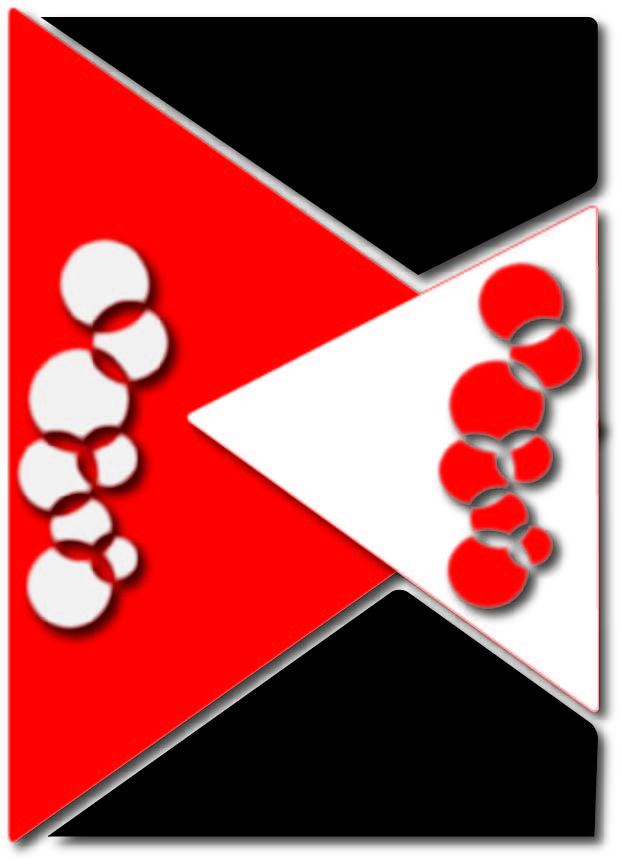
We were asked to create a poster using the Gestalt’s Principles and the appearance panel. I was not able to use all the tools and effects but I tried to do my best. I have used feathered effect to merge the object and the background a little bit while having a clear understanding of the background and the foreground. I’ve also used the drop shadow effect to give the shapes a 3D effect and make it look like they are floating. A blur effect is also given to the circles on the top to make it seem like they are fading away.

 Shuchi's Blog