
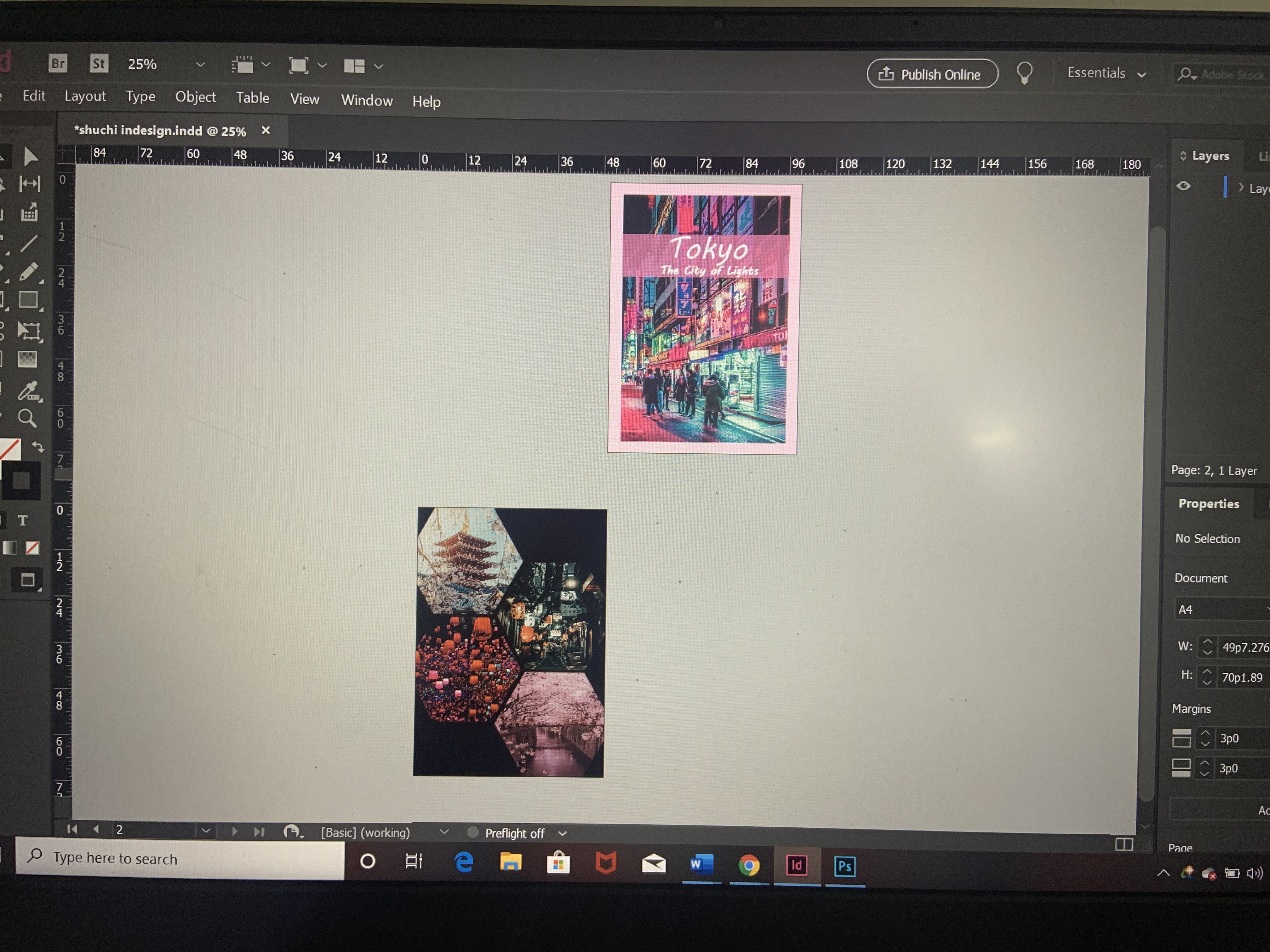
We are finally starting with Adobe InDesign this semester, a software used for editing a large number of pages which can then be used further for publishing and printing (magazines, brochures). We went over some familiar looking tools and the basics we need to know for working on the software.
Text editing is a major part of InDesign we went over the options available which included Kerning, Tracking, vertical and horizontal scale.
Page tool gives adjustment options for a page.
Pen tool can be used to make lines, add or subtract anchor points and join lines to form shapes. New update, any shape made using the pen tool acts like a frame to drop in an image.
Frame tool helps in making frames to insert images in.
Click on the blue border of the picture and increase it only the frame of the image increases not the picture. When you click the circle in the photo it turns red and the whole image increases. Shift and command press together and then both the image and frame increases together
Gradient tool and Pathfinder are the same in Photoshop and Illustrator.
To get used to the editing tools available we were told to make a travel itinerary for a city. I made one for Tokyo.
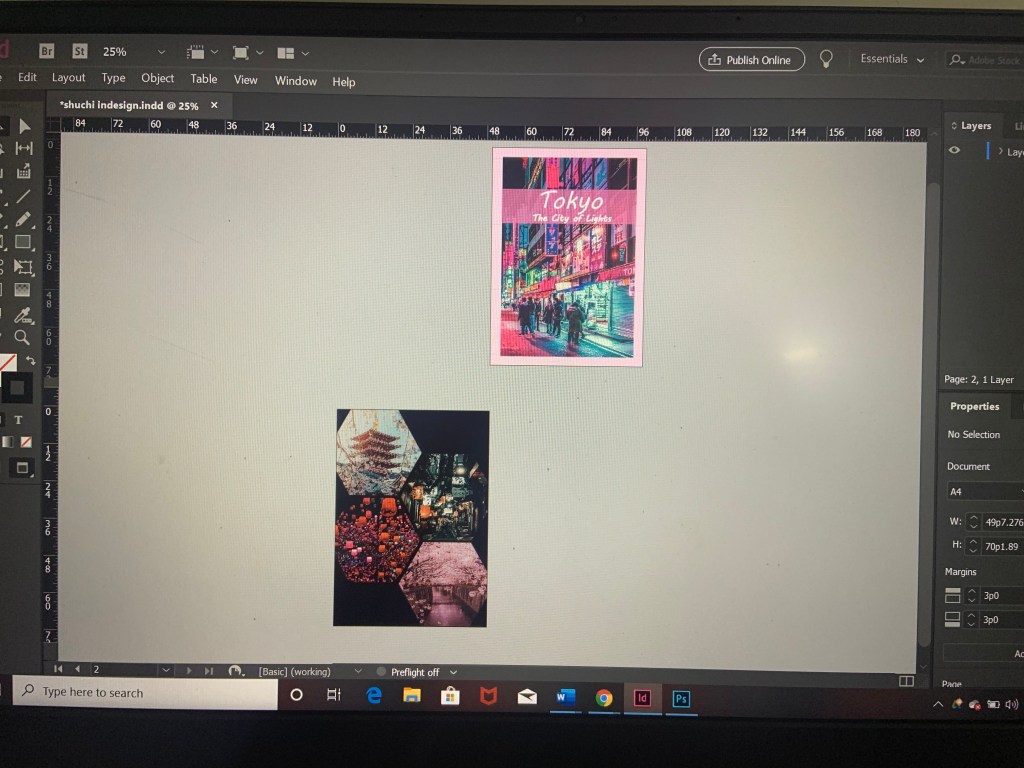
I still have to write about the place.

 Shuchi's Blog